Streaming to your TV
Getting Started
In order to stream online content to your TV, your TV must be a smart TV or support streaming devices via HDMI. Online video streaming services such as Netflix, Amazon Prime Video, Disney+ and HBO Max are available on most smart TVs and streaming devices. The tables below compare some of the most popular streaming devices and services currently on the market. For a comprehensive list of available channels and supported apps/features, consult with the manufacturer’s documentation for your Smart TV and/or streaming device.
Recommended Streaming Devices
Technology Services recommends either the Apple TV or the Roku Streaming Stick. The Apple TV is available for $129.99, and Roku’s streaming devices start at only $39.99*. Compare other recommended streaming devices.
How do I Stream to my TV?
- Connect your streaming device to your TV’s HDMI port and change to that input. Skip this step if you have a smart TV.
- In order to stream to your TV, your device (smart TV or streaming device) needs internet connectivity. To connect your device to Trinity’s Wi-Fi, you must first register your device’s MAC address on My Devices. How do I find my device’s MAC address?
- Fully shut off the device for at least 5 minutes by turning the power off or unplugging it.
- Then, use your Streaming Device or Smart TV’s settings to connect to Trinity’s wireless network.
- Once your device has been successfully connected to the internet, launch your preferred streaming app to watch your favorite content. Compare popular streaming services.
Popular Streaming Devices
The devices below are just some examples of the most popular streaming devices. For a full list of the products from Roku, Amazon, Google or Apple click on the links below.
| Roku Streaming Stick | Amazon Fire TV Stick HD | Google TV Streamer | Apple TV | |
| Device | 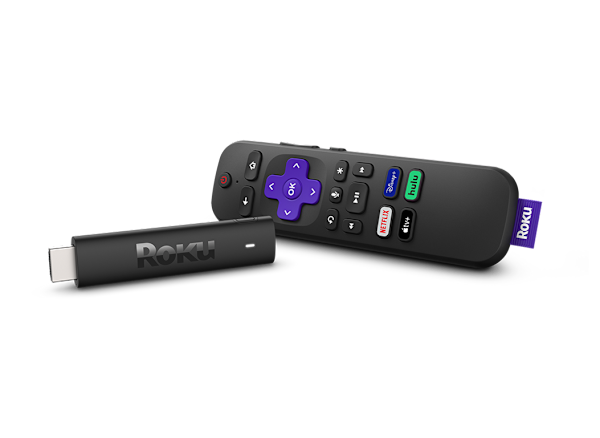 |
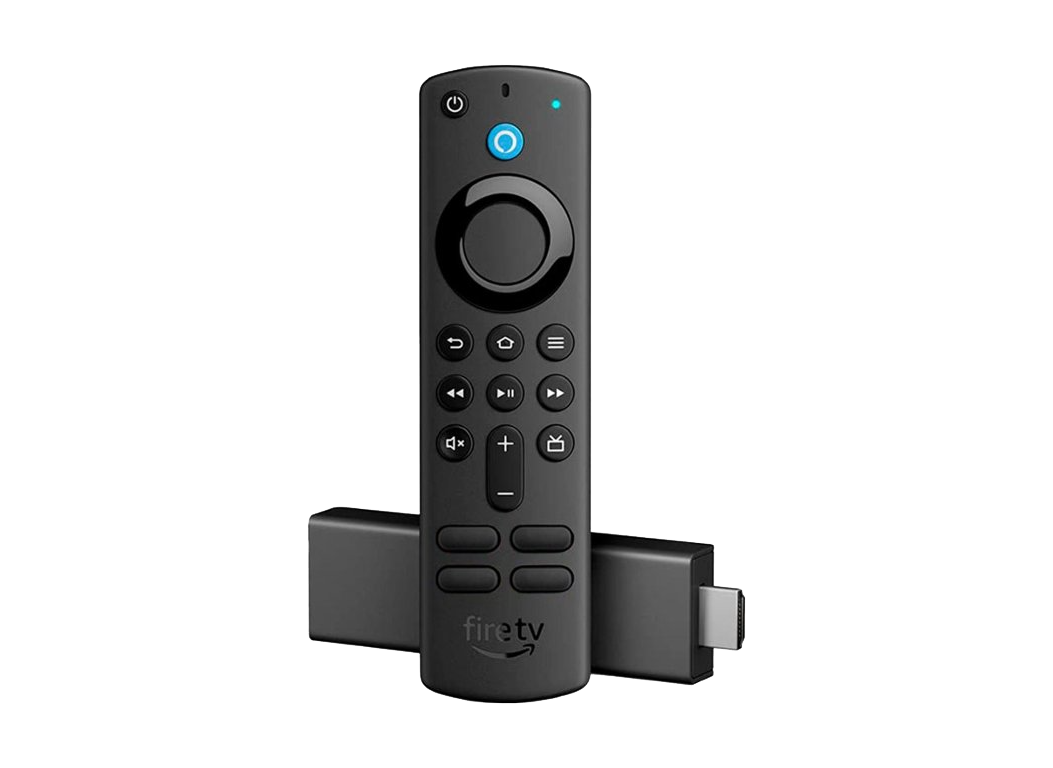 |
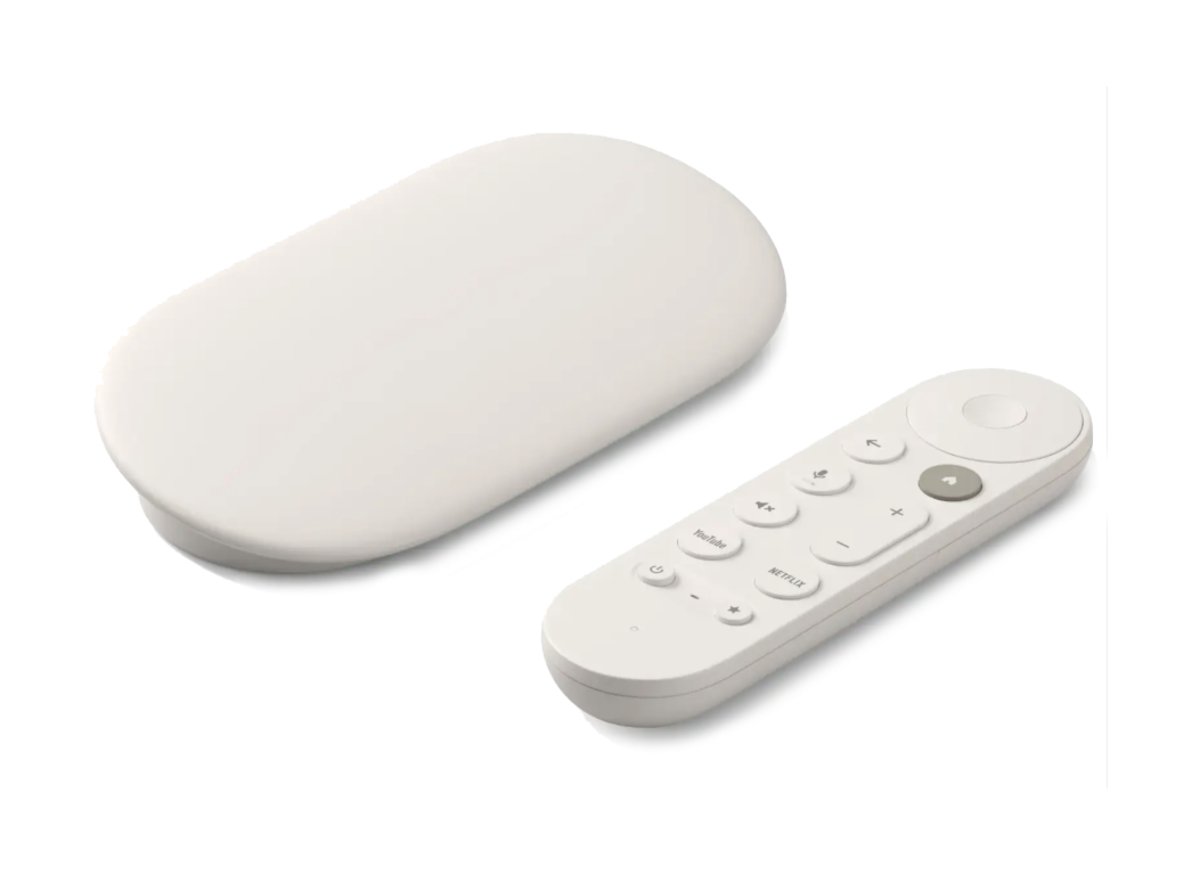 |
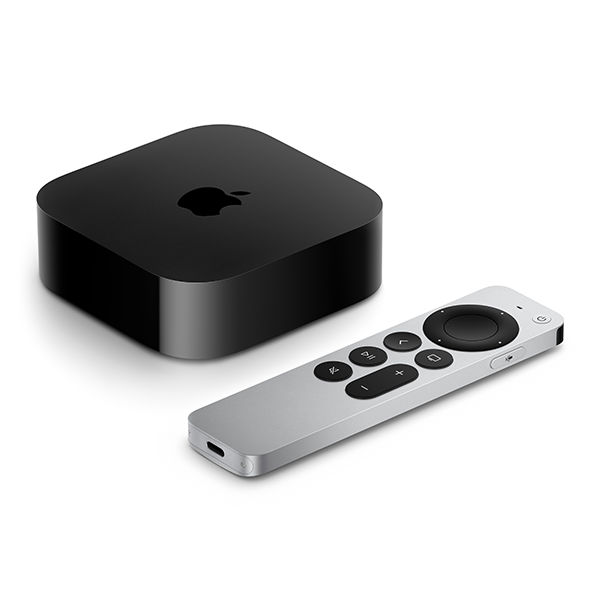 |
| Price* | $39.99 | $34.99 | $99.99 | $129.99 |
| Website | Click Here | Click Here | Click Here | Click Here |
| PC/Smartphone Required | No | No | Yes | No |
| Output | HDMI | HDMI | HDMI | HDMI |
| 1080p Support | Yes | Yes | Yes | Yes |
| 4K Support | No* | No* | Yes | Yes |
| Features | Supports most built-in streaming apps.
Private mode listening via the ROKU mobile app. Screen mirroring available for Miracast capable devices. Can be used in hotels or places that have captive portal networks. |
Screen mirroring available for Miracast capable devices.
Free Amazon Cloud storage for all Amazon content. Can be used in hotels or places that have captive portal networks. |
Can cast any Chrome tab or full computer screen to TV. Screen mirroring available for compatible Android devices. | Apps and Games via the App Store.
Play content and mirror screen from compatible Macs via Airplay. |
Popular Streaming Services
While many online streaming services exist, some of the most popular streaming services are listed below. Students are fully responsible for all paid-for subscriptions.
| Netflix | Amazon Prime Video | Disney+ | HBO Max |
Paramount+ | |
| Service |  |
 |
 |
 |
 |
| Starting Price* (with ads) |
$7.99/month | $14.99/month | $9.99/month | $9.99/month | $7.99/month |
| Starting Price* (ad-free) |
$17.99/month | $17.99/month | $15.99/month | $16.99/month | $12.99/month |
| Student Discounts* | None available | $7.49/month | 15% off annual subscriptions | $4.99/month (with ads) | 50% off |
| Website | Click Here | Click Here | Click Here | Click Here | Click Here |
| Free Trial | 1st Month | 6 Months with Prime Student | 1st Month | Not available | 1st 7 Days |
*The prices and discounts listed above are not set by Trinity and are subject to change. For the most up-to-date pricing, refer to the streaming provider’s website.