Adding My Profile Photo
A profile photos allows you to “put a face to a name” for others to see when communicating. For example, profile photos appear in instant messages, phone calls, meetings, and appear at the bottom of internal emails, like the following example:
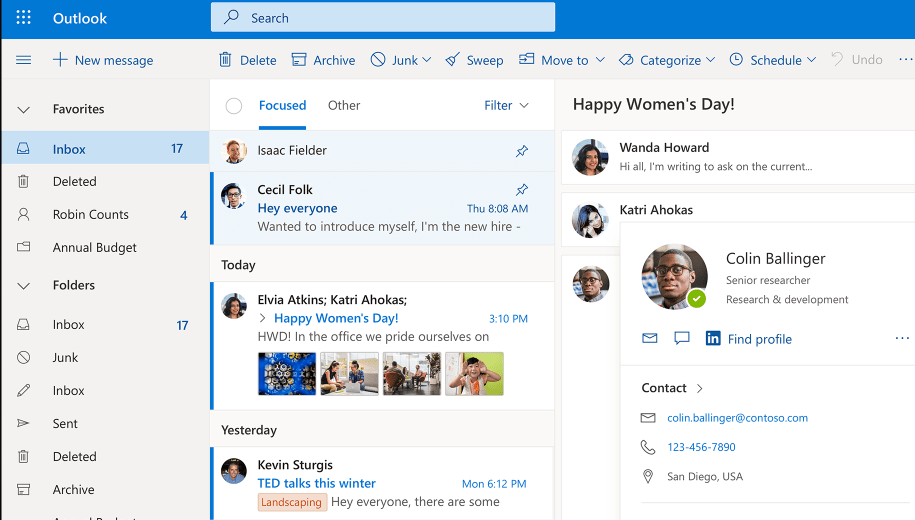
Photos are private and are not visible on emails sent outside of Trinity!
Don’t Have a Photo?
Have a professional looking photo taken by Creative Services! Swing by Main 364 for a photo-op the first Wednesday of every month between 2:30PM – 3:30PM. No appointment necessary.
Uploading Your Photo
- Open Skype for Business.
- Click on the profile icon seen below.

- Click Edit or Remove Picture. This will open Outlook Web App.

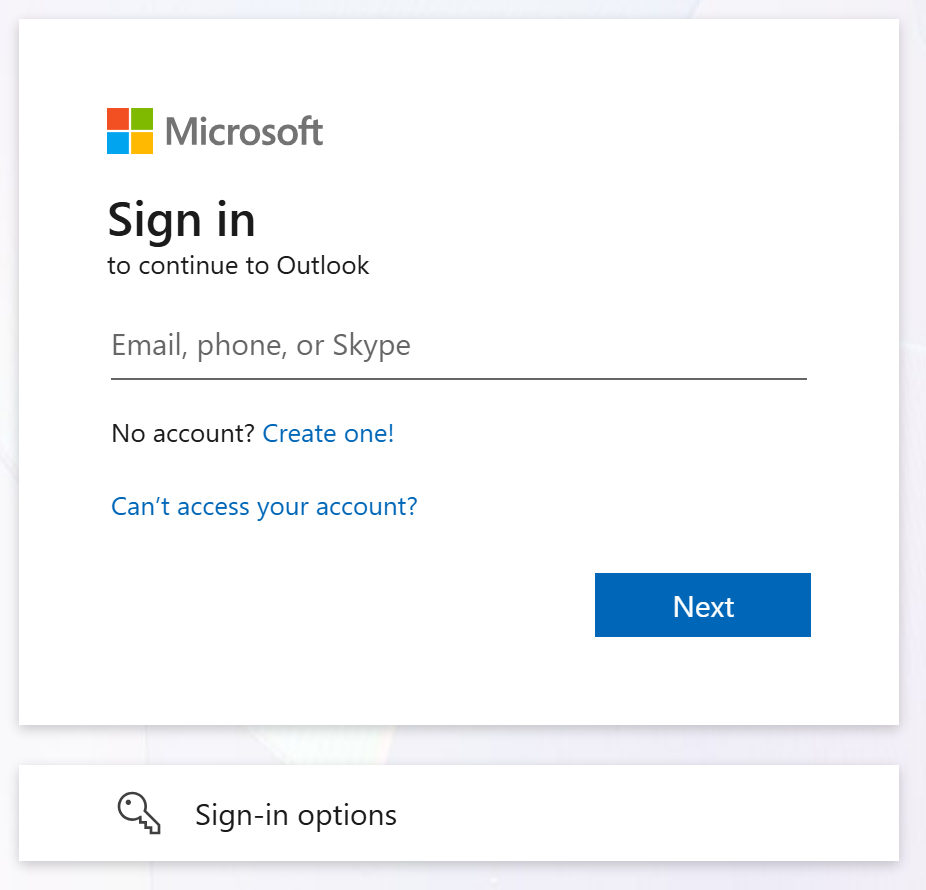
- Sign in with your full Trinity email address and password.
- Click Upload a new photo to select your photo, and finally click Apply.
